Challenges

Five fronts where construction projects lose time, money and accuracy, and why monthly site walks and disconnected spreadsheets can no longer keep up.

A · Subjective progress

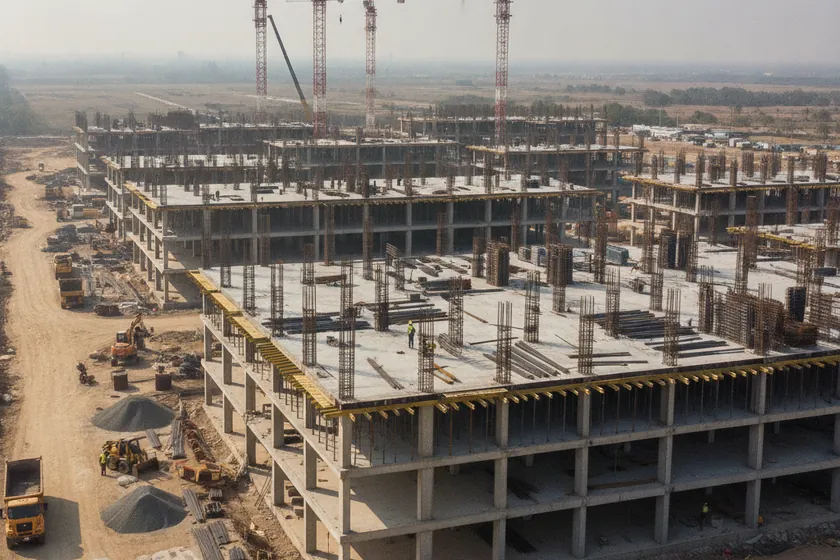
ProgressAerial drone view of a large construction site with partially completed floors and cranes

No objective % complete

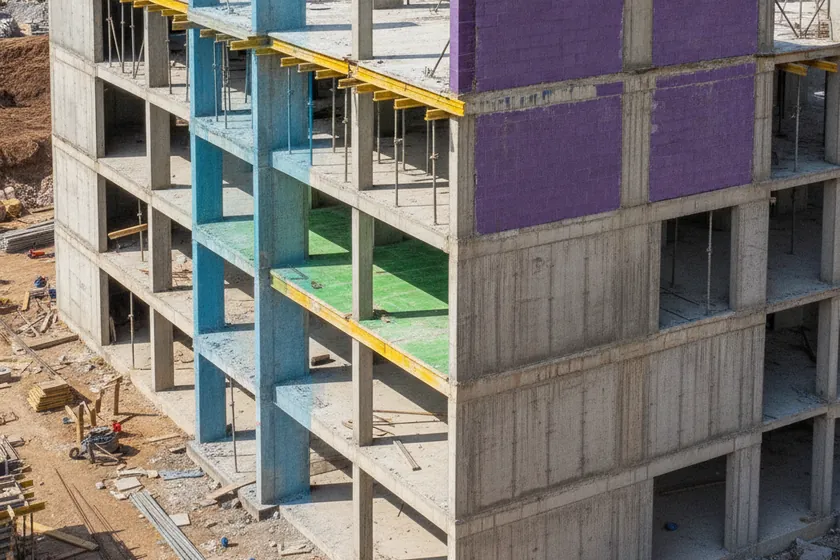
FloorsA multi-story building under construction with lower floors complete and upper floors bare concrete

Floor-by-floor blind spots

ReportsA project manager's desk with rolled blueprints, laptop, and printed progress spreadsheets

Manual weekly reports

B · Survey & data gaps

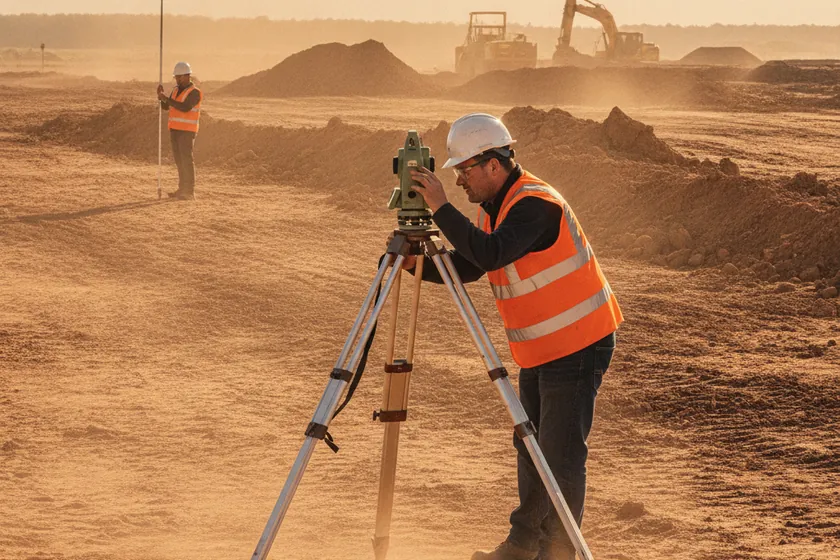
TopoA surveyor operating a total station theodolite on a dusty construction site

Slow topo surveys

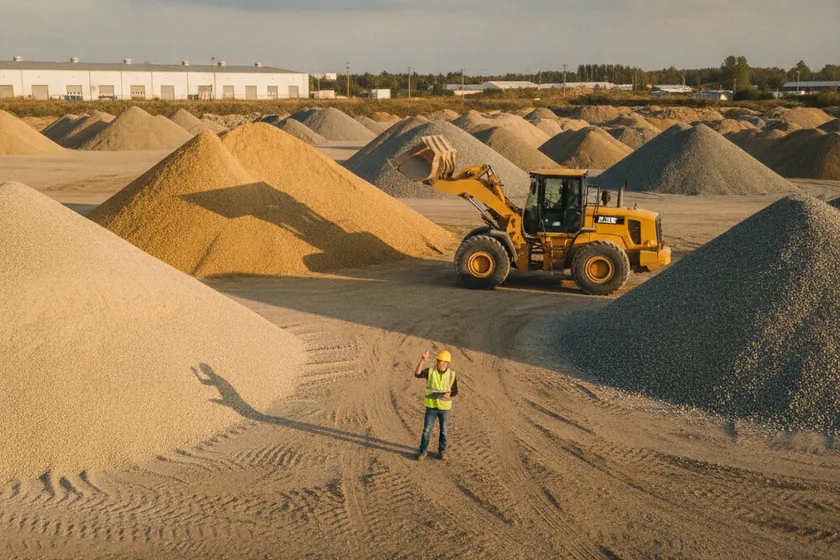
QuantitiesA worker counting sand and gravel piles at a construction materials yard

Manual stockpile counts

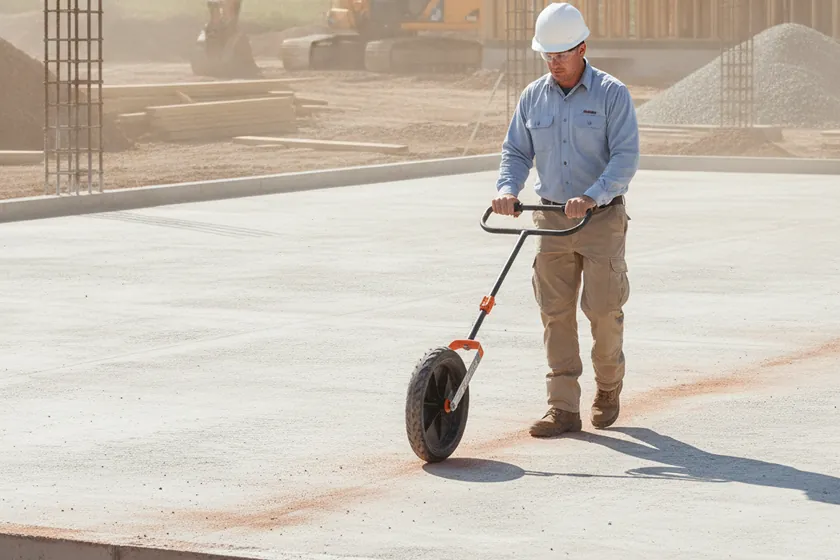
CostAn engineer with a measuring wheel walking along a concrete foundation at a construction site

Costly field measurements

C · Schedule & BIM drift

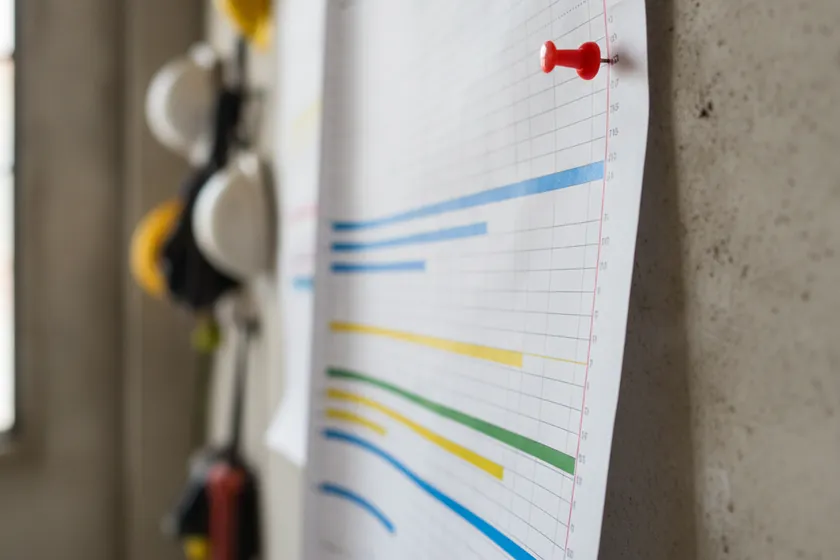
ScheduleA printed Gantt chart pinned to an office wall with a task running past its planned finish

Late slippage detection

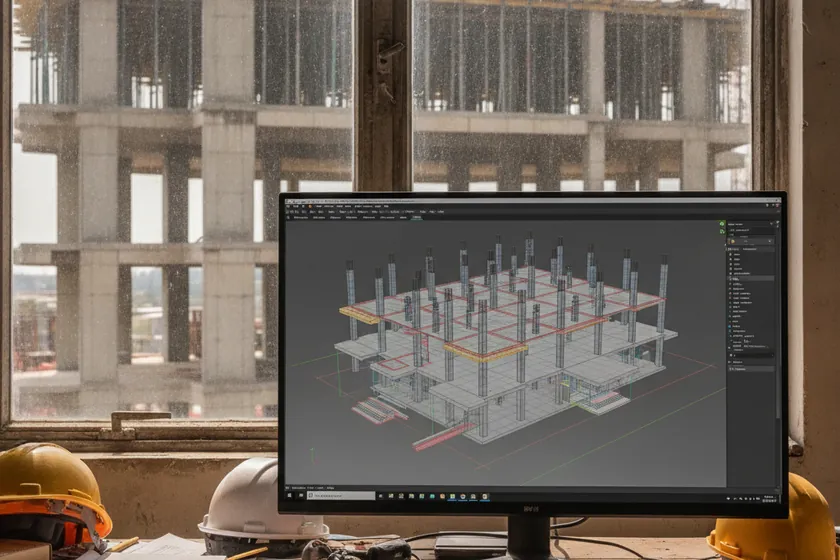
BIMA 3D BIM model displayed on a large monitor beside a partially built concrete structure

Deviations vs design

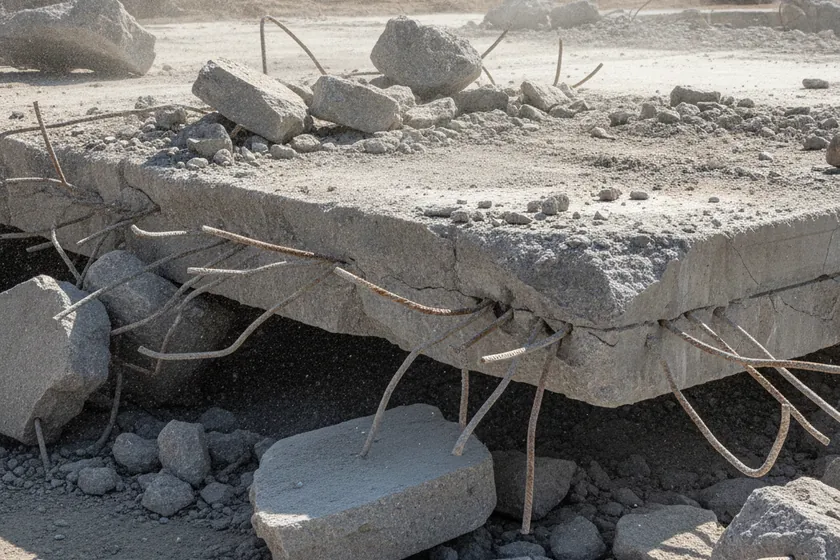
ReworkA demolished concrete slab with exposed rebar and rubble at a construction rework site

Rework from drift

D · Materials & assets

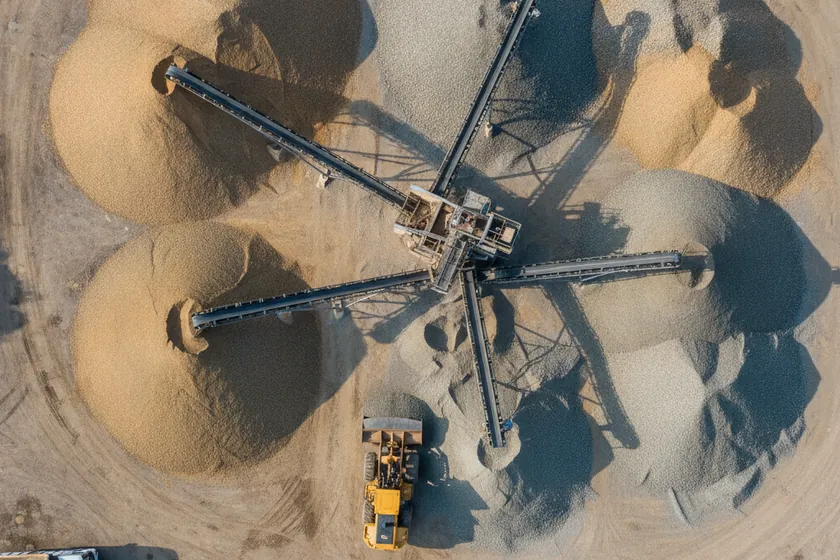
StockpileAerial view of large sand and gravel stockpiles at a construction materials yard

Stockpile shrinkage

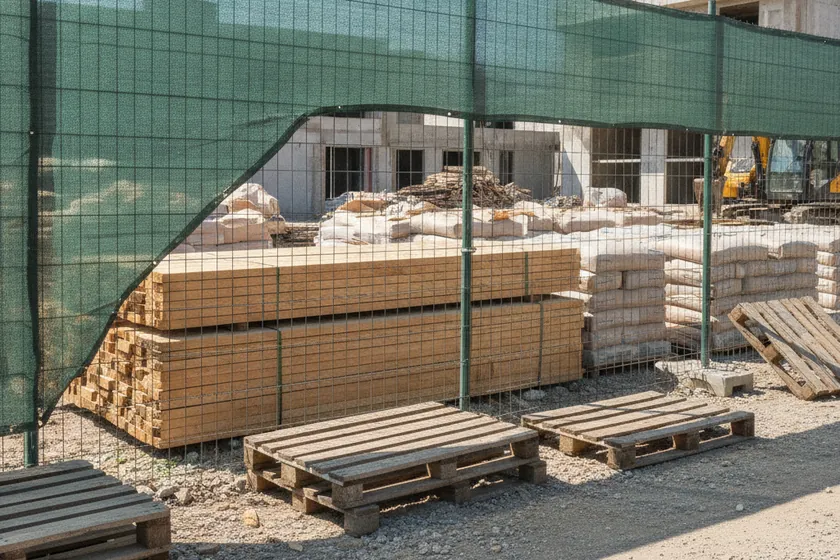
LossStacked timber and bagged cement stored behind a temporary mesh fence at a site

Pilferage & loss

EquipmentA construction equipment yard with excavators, wheel loaders, and a telehandler parked on gravel

Untracked equipment

E · Evidence & coverage

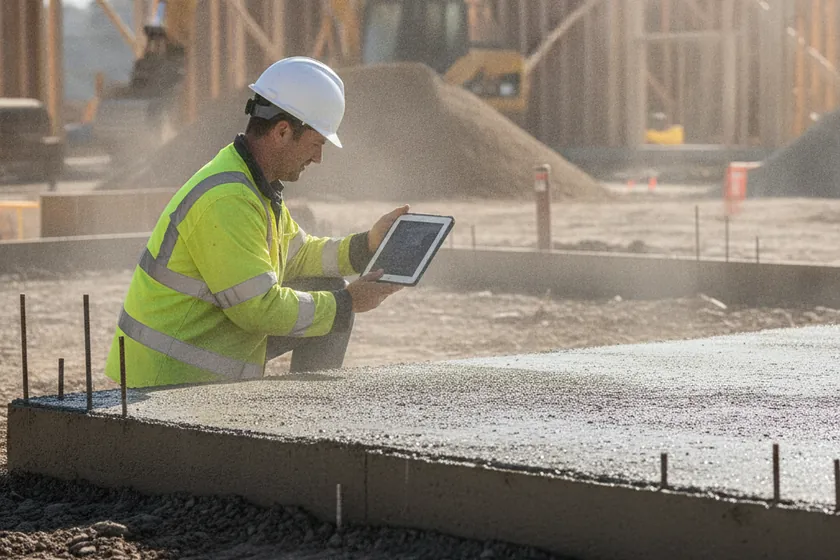
EvidenceA site manager holding a tablet to photograph foundation works on a construction project

Weak photo evidence

ClaimsA construction project meeting room with rolled plans, hard hats, and engineers in discussion

Disputes without proof

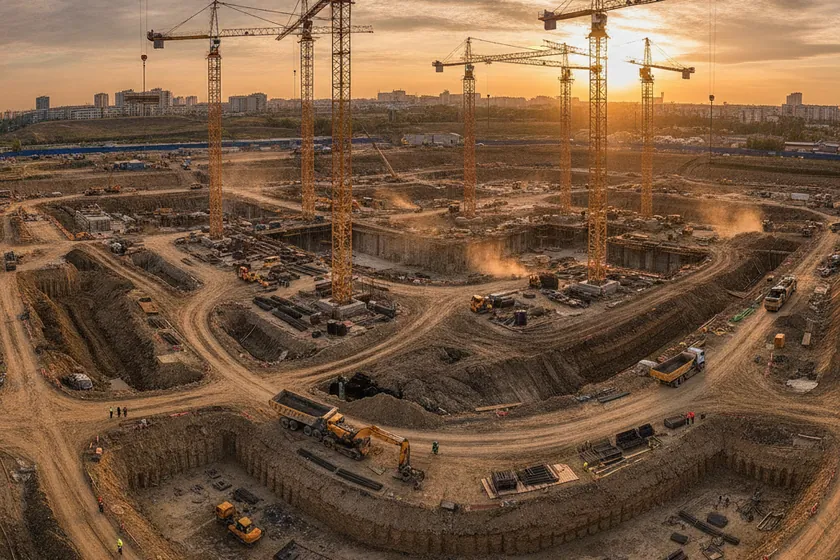
CoverageWide panoramic view of a vast construction site at golden hour with multiple tower cranes

Sites too big to walk

Solutions

One AI for every eye on site: autonomous drone capture, fixed CCTV towers and worker helmet-cams feed a single model that turns pixels into 12 construction-specific classes, automated progress against BIM, centimetre 3D maps, stockpile volumes and deviation alerts — all on your existing cameras and KSA data residency.

A · How the AI sees

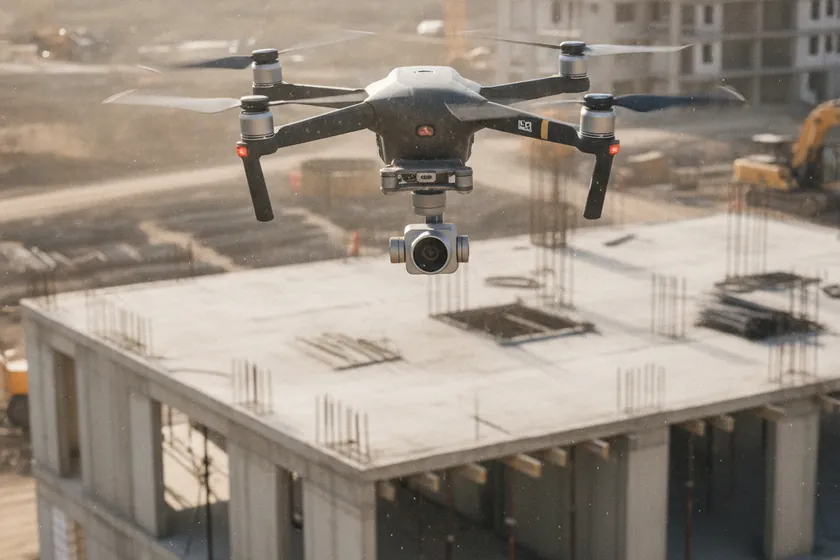
AerialA quadcopter drone hovering over a concrete-frame building under construction, capturing an orthomosaic of the site

Autonomous drone capture

HelmetA worker wearing a hard hat fitted with a small forward-facing camera on an active slab

Worker helmet-cam feeds

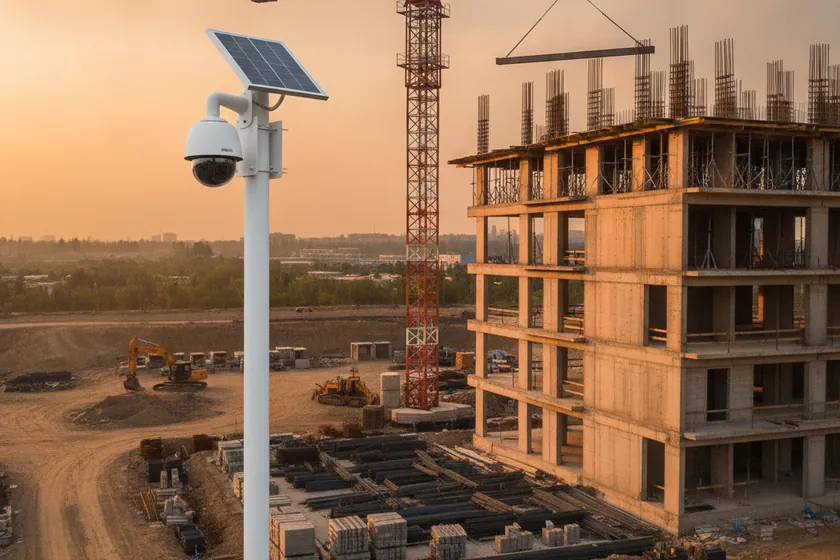
FixedA PTZ site CCTV camera mounted on a tall pole overlooking a tower crane and formwork

Fixed tower & PTZ cameras

B · What it detects. 12 construction classes

5 classesA multi-storey frame with columns, slabs and shear walls each coloured by a different AI segmentation mask

Structural progress (5)

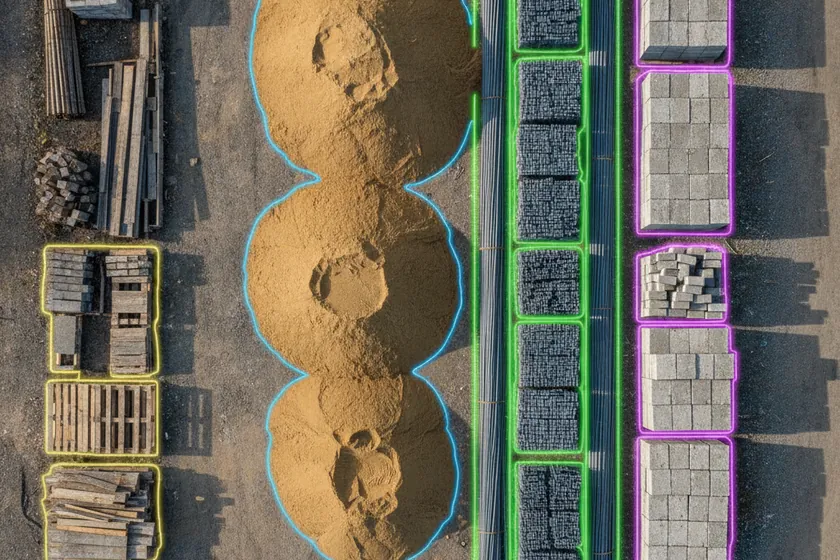
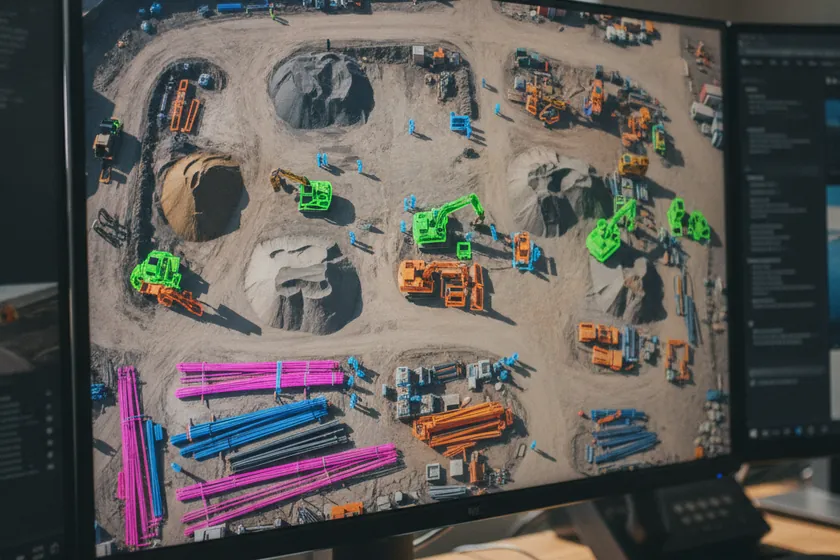
4 classesAn overhead view of a site yard where sand, rebar stacks, concrete blocks and formwork are highlighted by coloured segmentation masks

Materials & stockpile (4)

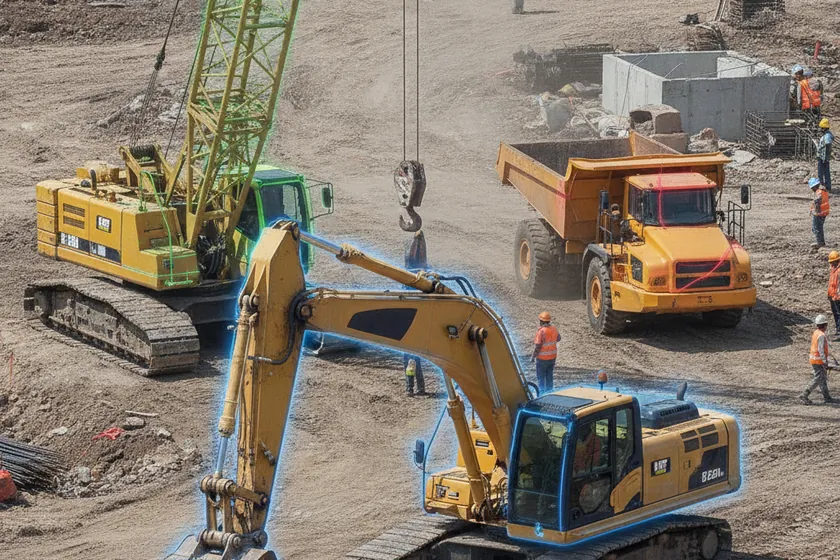
3 classesAn excavator, a mobile crane and a dump truck on a site each highlighted by a distinct AI segmentation overlay

Plant & equipment (3)

C · From capture to insight

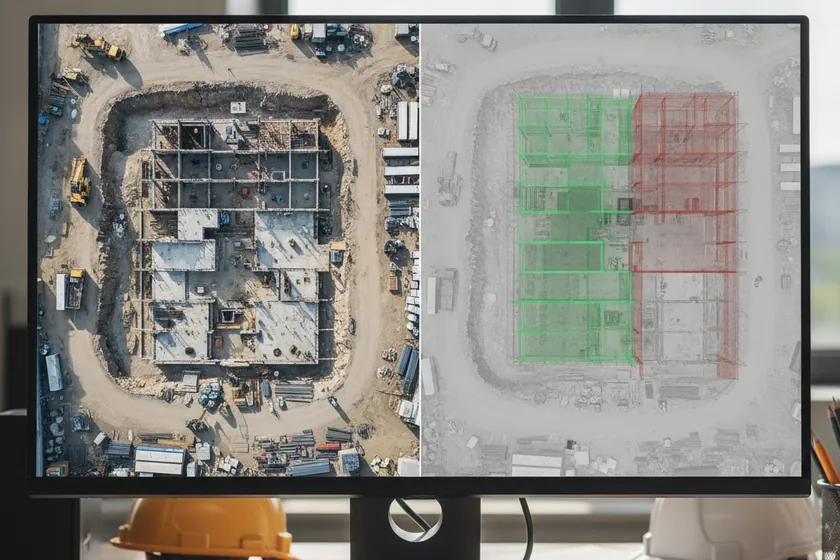
ProgressA side-by-side comparison of an aerial site photo overlaid with a translucent BIM model showing completed and outstanding floors

Automated progress vs BIM

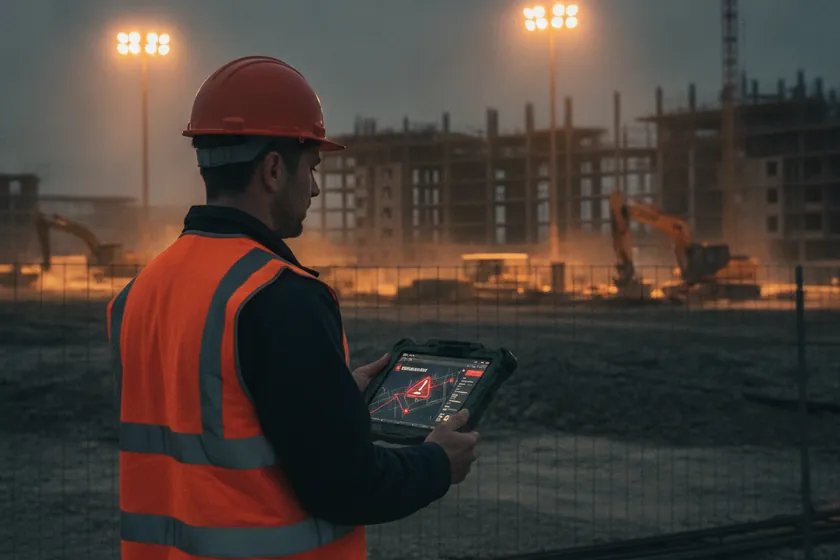
DeviationA project manager reviewing a deviation alert on a tablet at the edge of a construction site at dusk

Schedule & quality deviations

EvidenceA printed weekly stakeholder evidence pack with dated aerial photographs, measurement tables and BIM overlay excerpts on a meeting table

Stakeholder evidence packs

D · See it & measure it

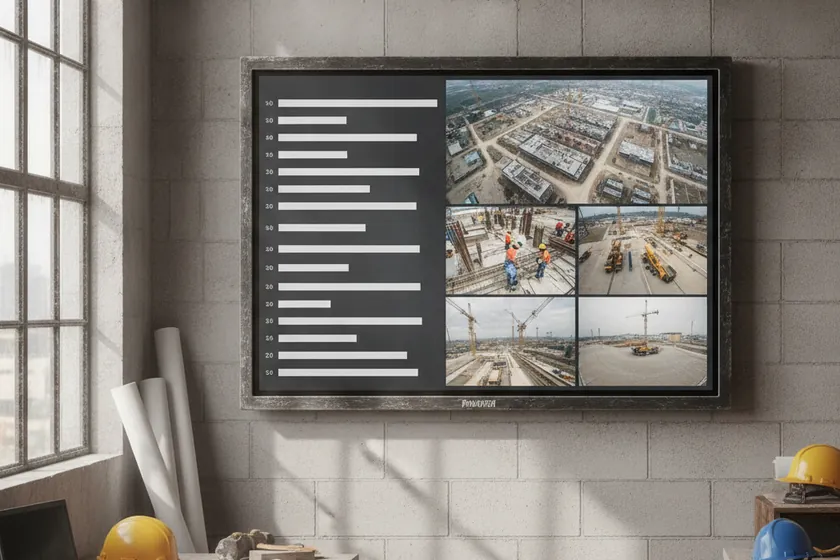
DashboardA wall monitor showing a live construction progress dashboard with floor-by-floor completion percentages and camera tiles

Live progress dashboard

Digital twinA high-resolution 3D point-cloud mesh of a construction site rendered on a workstation with centimetre-level detail

Centimetre 3D digital twin

VolumesA volumetric analytics screen showing stockpile cut-and-fill measurements in cubic metres for a site materials report

Stockpile volumetrics

E · Fits your site

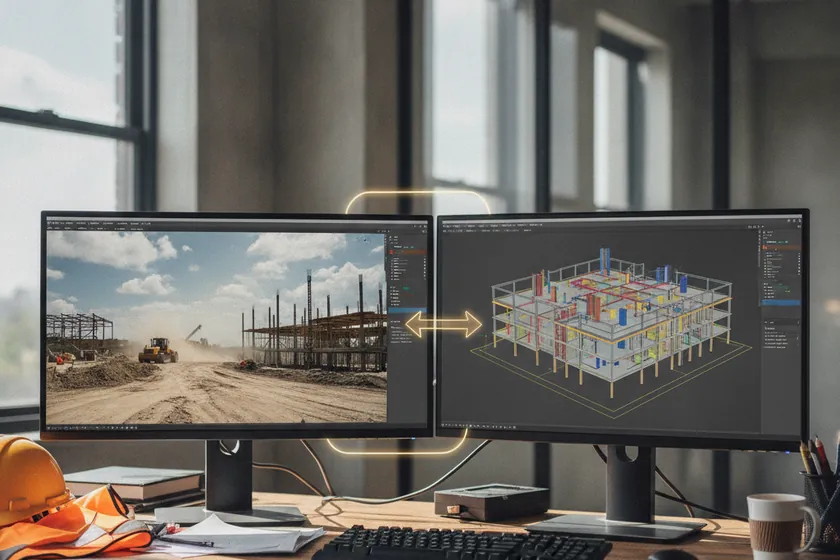
IntegrationA BIM model and a live site video feed side by side on a project engineer's monitor showing integrated data flow

Plugs into BIM & ERP

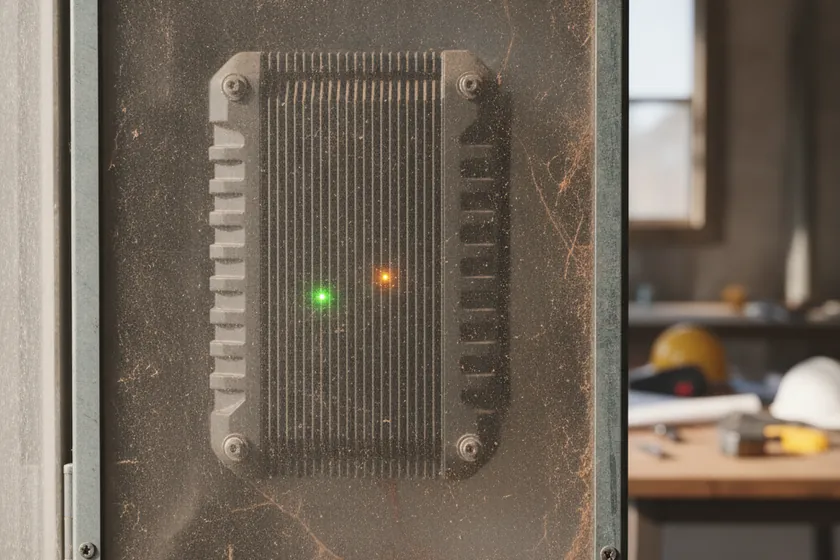
EdgeA rugged edge inference appliance mounted inside a site office cabinet with status indicator lights

Edge, hybrid or cloud

ResidencyA secure on-premises server rack in a Riyadh data centre keeping site imagery and analytics inside the Kingdom

KSA data residency

Survey, Mapping & Methodology

Our solution turns every drone flight into a centimeter-accurate digital record of your site. Photogrammetry, LiDAR and a 12-class segmentation model run together to deliver orthomosaics, point clouds, 3D meshes and a living digital twin — all anchored by RTK GPS and permanent ground control, and processed on edge hardware hosted inside the Kingdom. The engine is proprietary; here is how it produces evidence you can build from.
Any capture, one platform

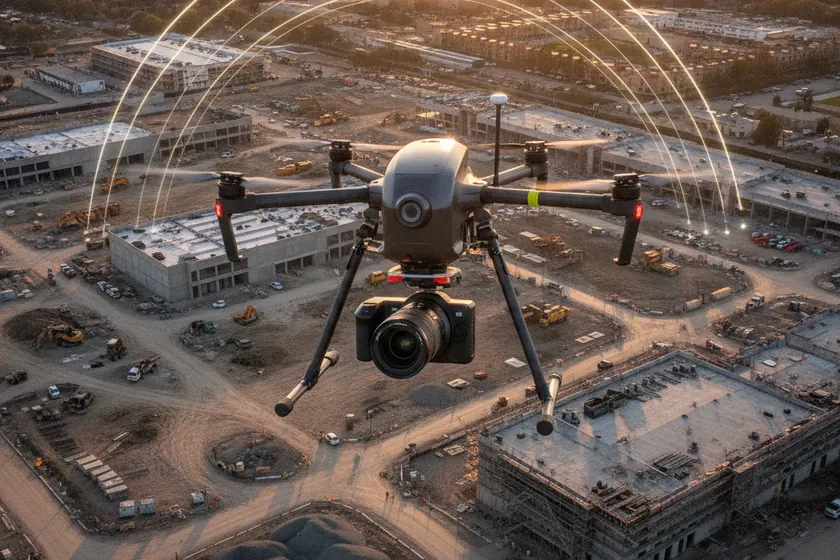
A survey drone with a calibrated camera flying above a construction site capturing overlapping aerial images

Drone Photogrammetry

Each flight produces a 1–2 cm/px orthomosaic and a high-resolution 3D mesh you can measure, annotate and share.
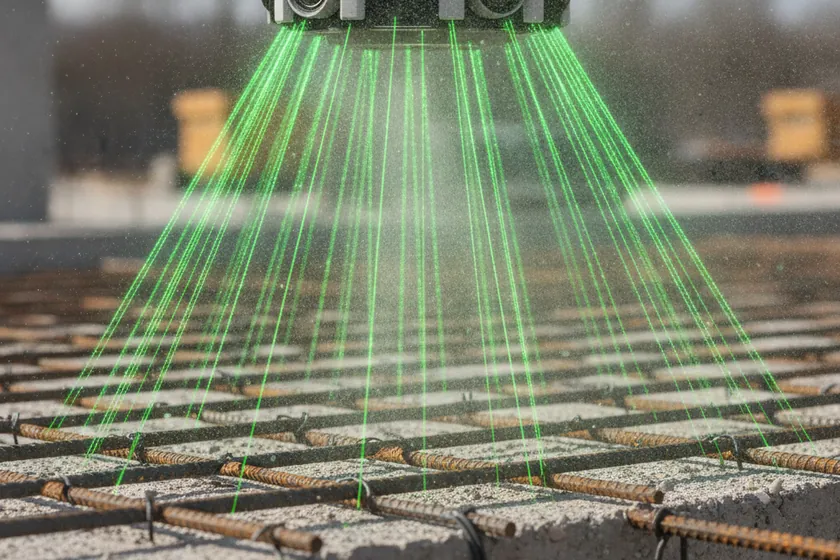
A drone-mounted LiDAR scanner projecting a laser grid over an active construction site

LiDAR Point Clouds

Dense LAZ, LAS and E57 point clouds, georeferenced and ready to drop straight into BIM, Civil 3D and digital-twin pipelines.
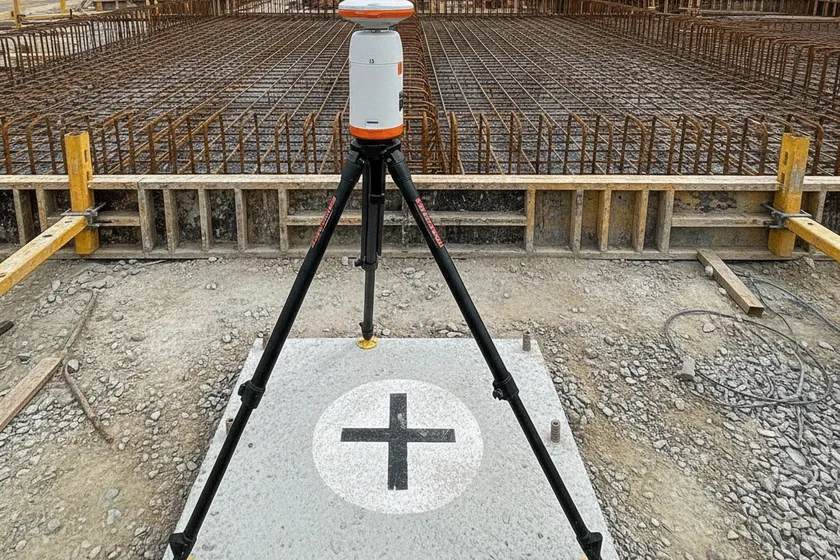
An RTK GPS base station and a permanent ground control point mounted on a concrete pad at a construction site

RTK & Ground Control

RTK GPS paired with permanent GCPs delivers ±1–3 cm absolute accuracy on every mission and every output.
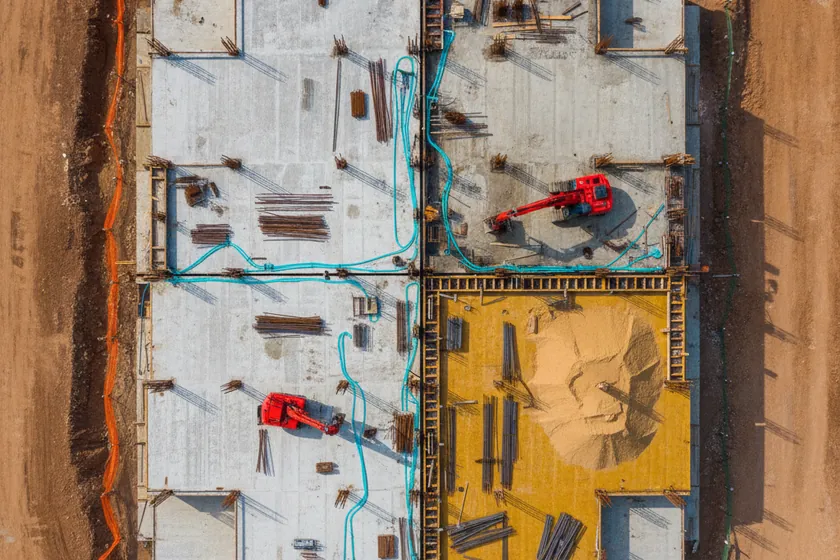
An aerial view of a construction site overlaid with color-coded 12-class segmentation masks

12-Class Segmentation

A purpose-built model labels every frame across 12 construction classes — slabs, rebar, MEP, formwork, stockpiles, equipment and more.
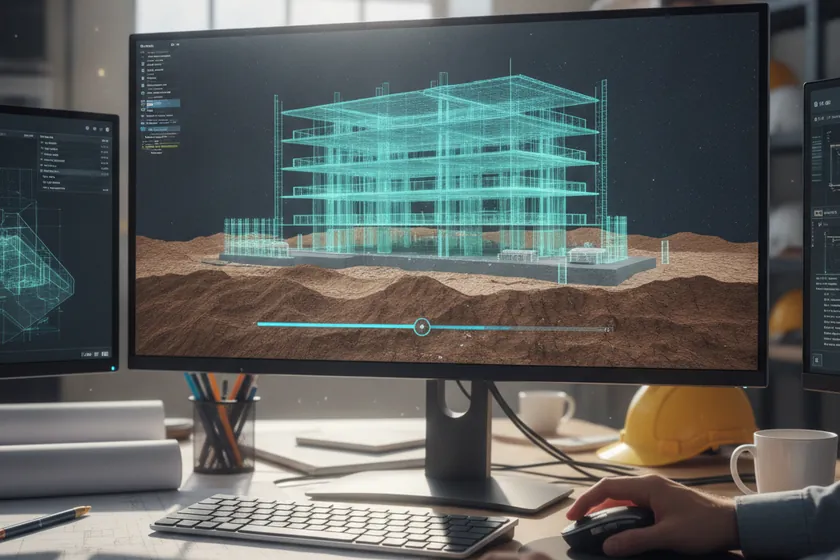
A 4D digital twin of a construction site displayed on a planning workstation screen

Living Digital Twin

Each flight refreshes a 4D digital twin, so progress, cut/fill, stockpile volumes and layout are always current and auditable.

An on-prem edge inference server with status lights installed in a project site office rack

On-Prem Edge Inference

All processing runs on edge hardware hosted in-Kingdom, so imagery, point clouds and models never leave the country.
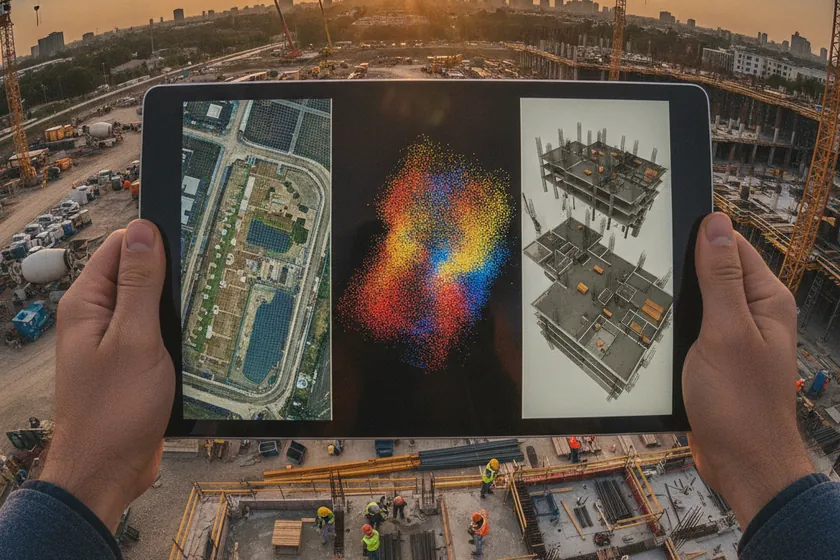
A unified survey app on a tablet showing an orthomosaic overlay, a point cloud and a digital-twin model of a construction site

One Survey App, the whole site mapped

Plan flights, review orthomosaics, compare as-built to BIM and export LAZ, LAS, E57, GeoTIFF and PDF deliverables — all from a single app.

Our methodology

  1. 1

    Capture, ±1–3 cm accurate

    RTK GPS, permanent GCPs and calibrated optics deliver ±1–3 cm absolute accuracy on every orthomosaic and point cloud.

  2. 2

    Photogrammetric processing

    Forward and side overlaps, GSD and bundle adjustment are tuned for 1–2 cm/px outputs across the full site.

  3. 3

    12-class segmentation, per frame

    A trained model labels every frame across 12 construction classes — slabs, rebar, MEP, formwork, stockpiles, equipment and more.

  4. 4

    Digital twin, refreshed each flight

    Each flight rebuilds a 4D digital twin, so progress, cut/fill and stockpile volumes are always up to date.

  5. 5

    On-prem & in-Kingdom

    Inference runs on edge servers at your site; imagery, point clouds and models stay inside the Kingdom.

Integration with Your Project Stack

We adapt to your existing stack, no rip-and-replace. ViewKeeper connects to your BIM platform, project-controls tools, on-site CCTV, and drone-in-a-box docks. Drone flights, photogrammetry, and AI analytics run alongside what you already use; in most projects nothing changes for the teams already in place.
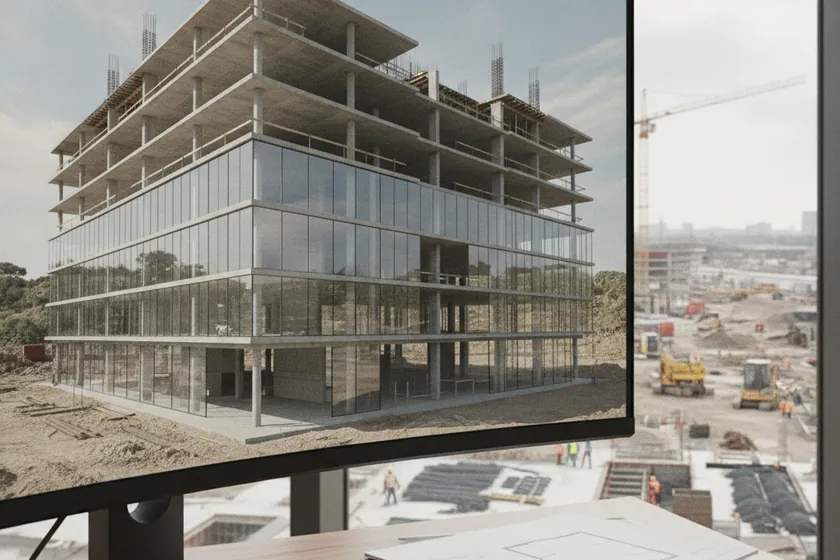
Works with what you have

A textured 3D BIM model of a multi-storey building shown on a workstation next to a window overlooking an active construction site

No rip-and-replace

Reuse your BIM, schedule, and project-controls tools as they are. ViewKeeper ingests Revit, Civil 3D, Navisworks, Primavera P6, and MS Project models directly, no model-conversion gymnastics.
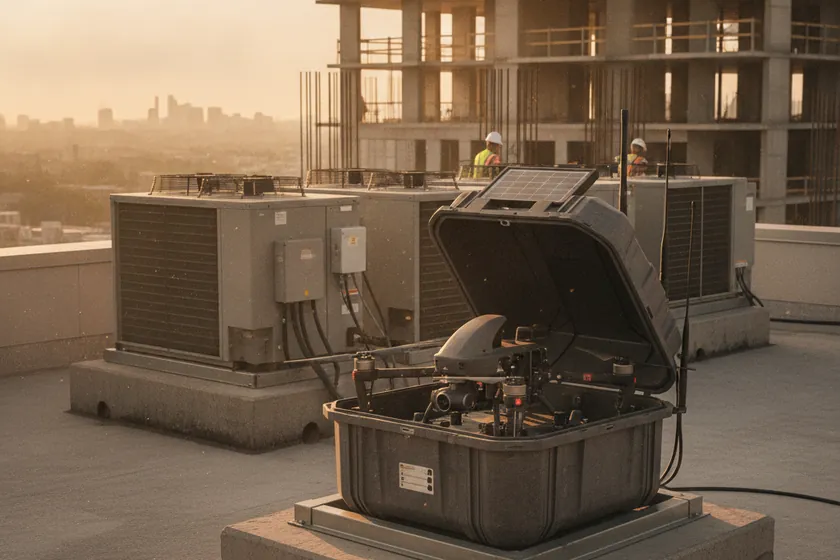
An autonomous drone-in-a-box docking station on a rooftop with a quadcopter visible inside the open clamshell

Plugs in alongside

A compact on-site edge unit pulls existing CCTV streams over RTSP / ONVIF, while a drone-in-a-box dock (e.g. DJI Dock) uploads imagery on landing. Both work in parallel with your current systems, no downtime.
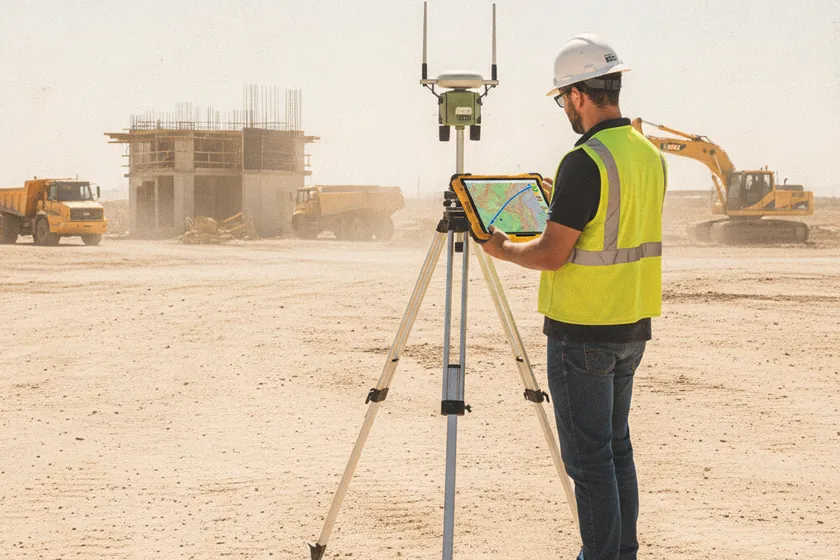
A surveyor on a construction site checking a tripod-mounted GNSS base station while holding a tablet showing a topographic map

Survey before spend

A pre-deployment aerial and site survey (included) checks flight corridors, base-station placement, BIM accuracy, and camera coverage, so you know exactly what is needed before any commitment.

Connects to your project stack

Autodesk Revit Civil 3D Navisworks Primavera P6 Procore

We integrate with the leading BIM and project-controls platforms used in Saudi construction, syncing as-built progress, point clouds, and reports directly into the systems your project team already runs. Need a custom connector? The open REST API and webhooks push events and assets into any tool, no middleware required.

Survey-grade accuracy & deliverables

Parameter Minimum Recommended
Orthomosaic GSD3 cm/px1–2 cm/px
Point density100 pts/m²500+ pts/m²
Vertical accuracy±5 cm±1–3 cm (GCPs / RTK)
Horizontal accuracy±5 cm±2–3 cm
Output formatsGeoTIFF, OBJDWG, LAS / E57, GeoTIFF, PDF

Hosting & API

  • Hosted in-Kingdom on AWS sa-central-1 (Riyadh), so orthomosaics, point clouds, BIM deltas, and progress data stay in Saudi Arabia under CITC and SDAIA-aligned controls.

  • Open REST API and webhooks push progress %, alerts, and assets into Procore, Primavera, ACC, and your own dashboards, with full audit logs.

  • Edge pre-processes imagery; only derived products (orthos, point clouds, change deltas, JSON events) are uploaded, keeping bandwidth light.

  • Browser-based viewer and approvals, no installs for the project team, with role-based access for client, consultant, and contractor.

Use Cases

What the platform tracks across your construction site — structures, earthworks, equipment, materials and access. 12 classes to start, each detected on your drone and camera feeds with a pixel-precise segmentation mask, never a crude box.
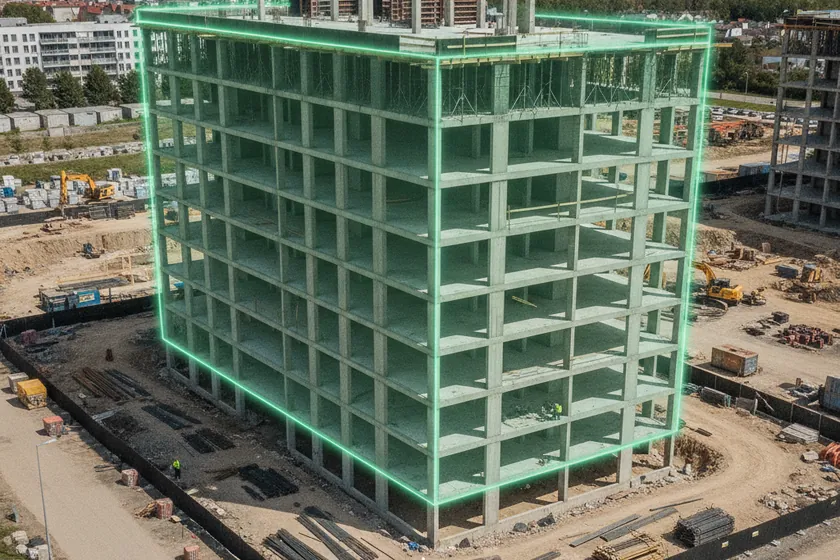
AI segmentation mask over a reinforced-concrete building structure on a construction site
Building Structure
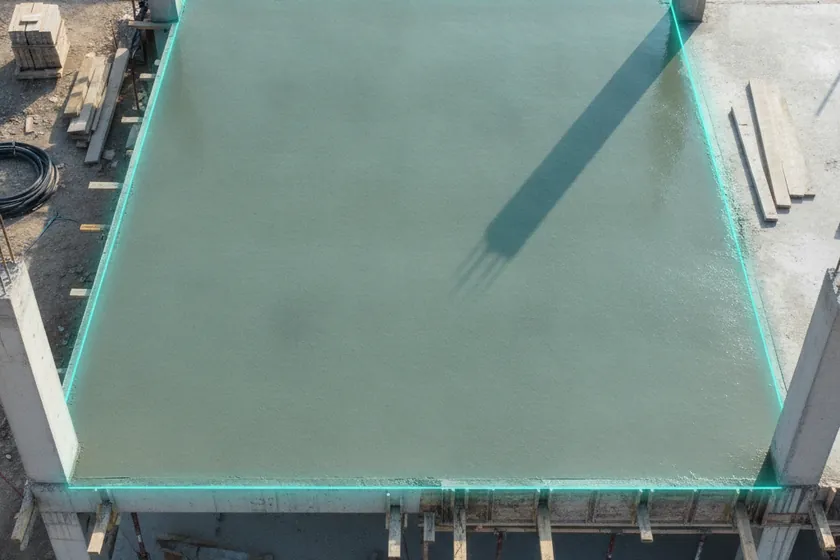
AI segmentation mask over a poured concrete floor slab on a construction site
Concrete Slab
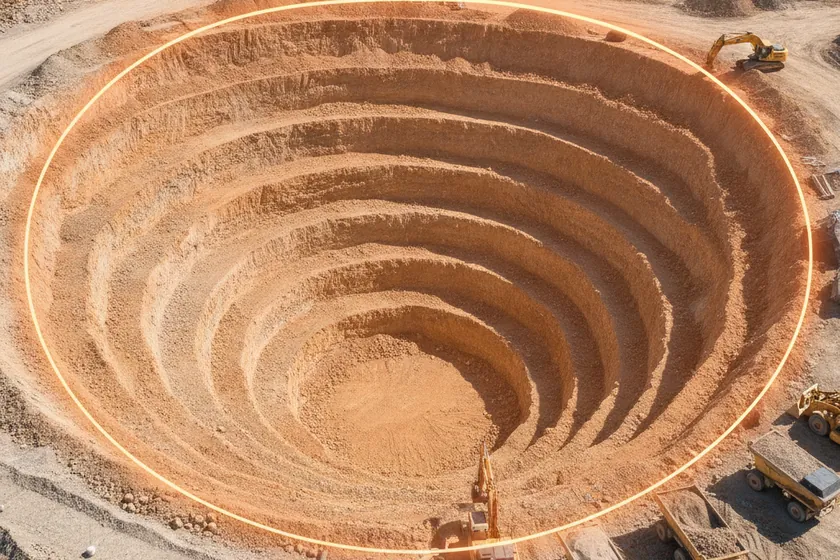
AI segmentation mask over a open excavation pit on a construction site
Excavation
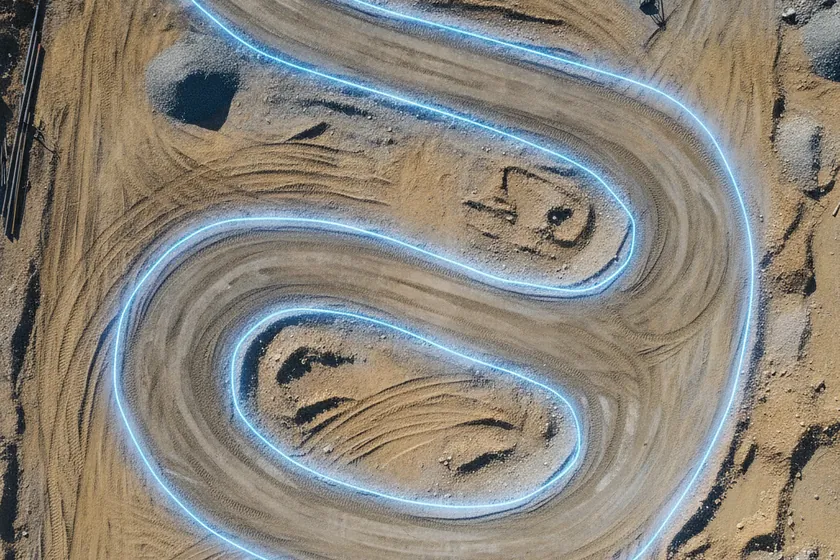
AI segmentation mask over a haul-road vehicle tracks on a construction site
Vehicle Tracks
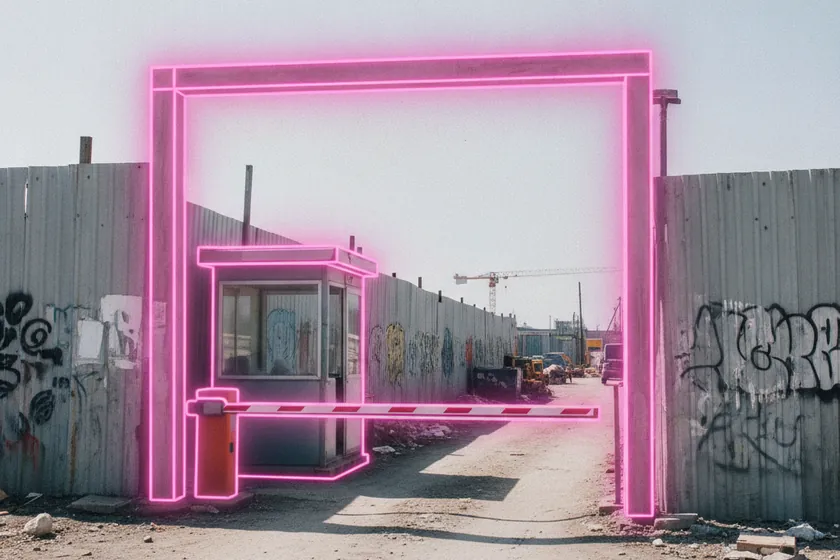
AI segmentation mask over a construction site entrance gate on a construction site
Site Entrance
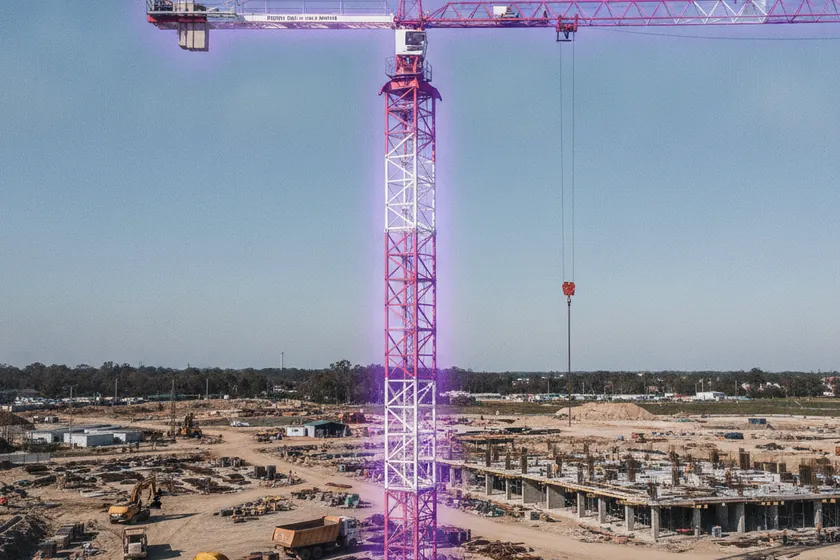
AI segmentation mask over a tower crane on a construction site
Tower Crane
AI segmentation mask over a material stockpile on a construction site
Material Stockpile
AI segmentation mask over a heavy construction equipment on a construction site
Heavy Equipment
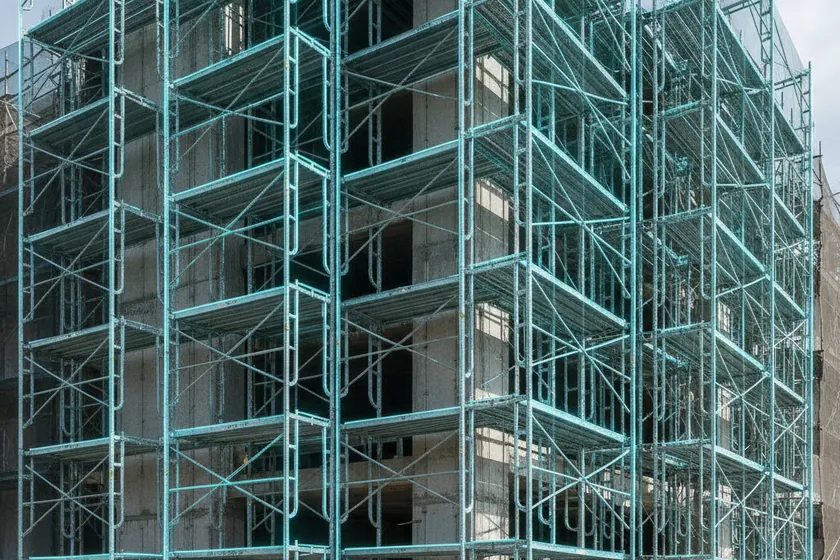
AI segmentation mask over a facade scaffolding on a construction site
Scaffolding
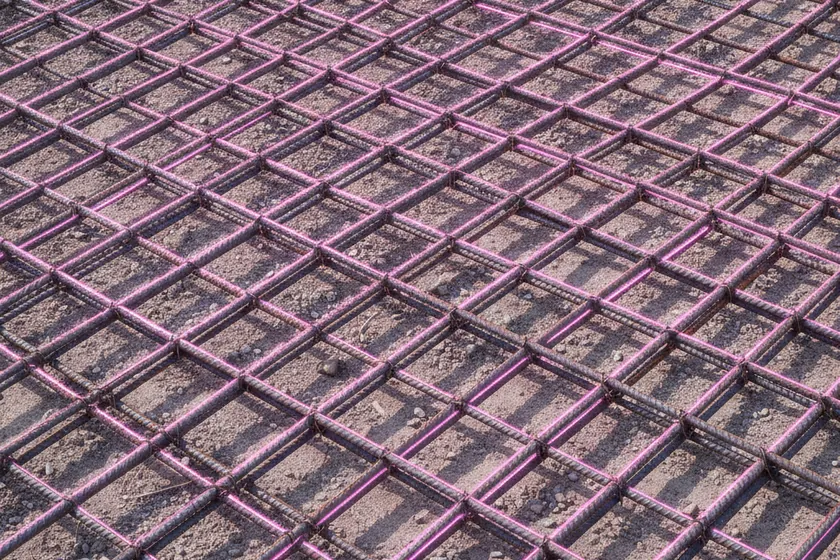
AI segmentation mask over a steel rebar grid on a construction site
Rebar
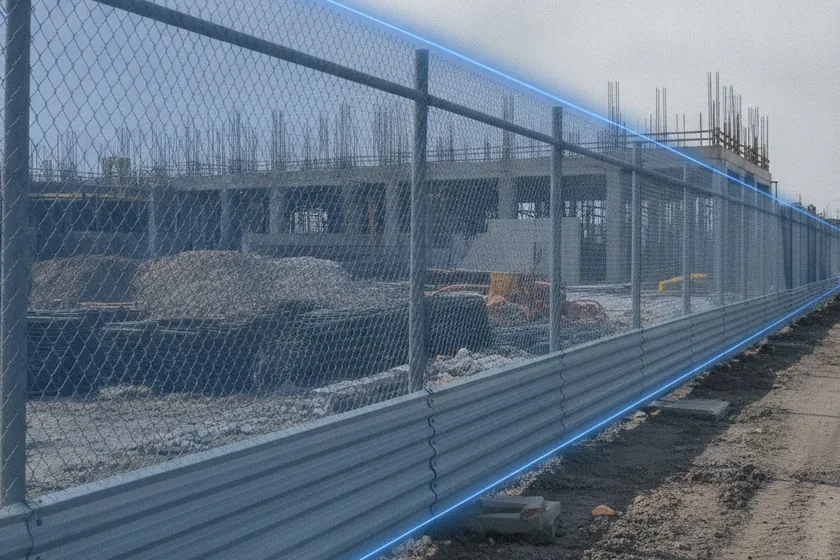
AI segmentation mask over a site perimeter fence on a construction site
Perimeter Fence
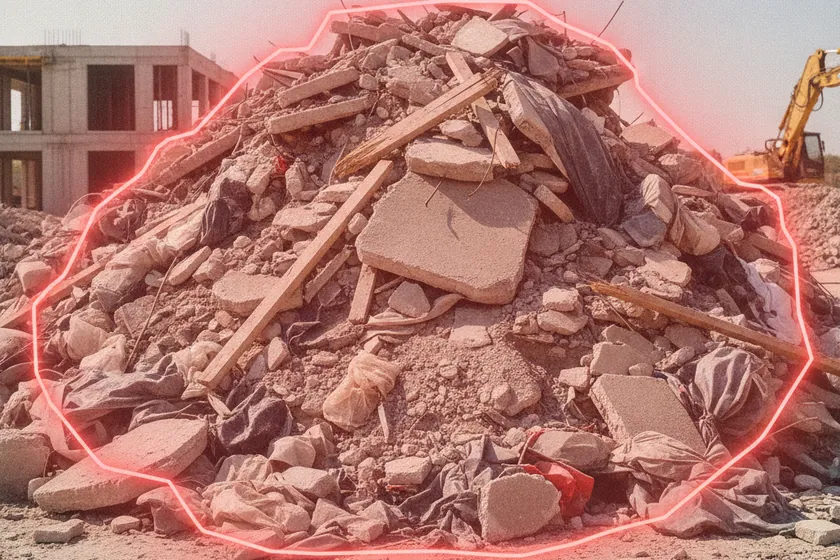
AI segmentation mask over a construction debris pile on a construction site
Debris & Waste
Not limited to these 12 These are the starting library — we also train custom detection classes for the assets, trades and milestones specific to your project.

How We Do It

01
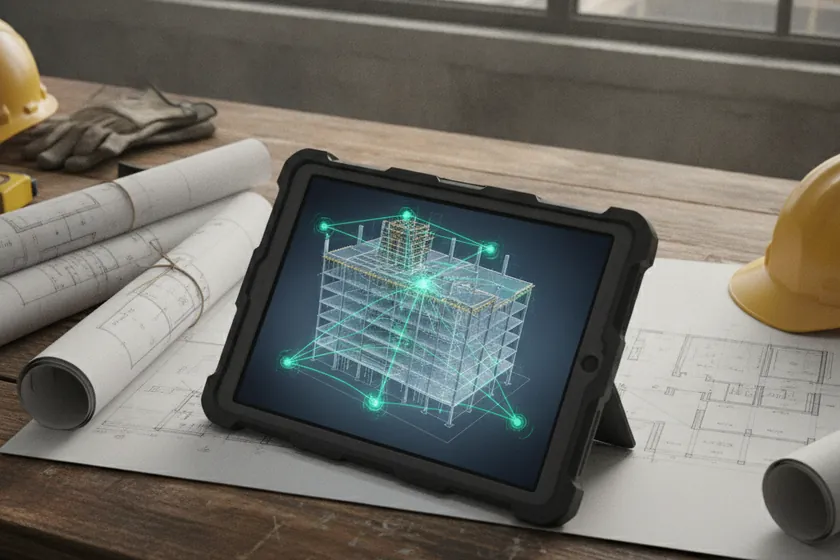
A BIM model on a tablet with drone flight paths overlaid on a 3D construction site plan

Plan

Flight paths are generated from your BIM model and site boundary, with zones and progress thresholds set in advance

02
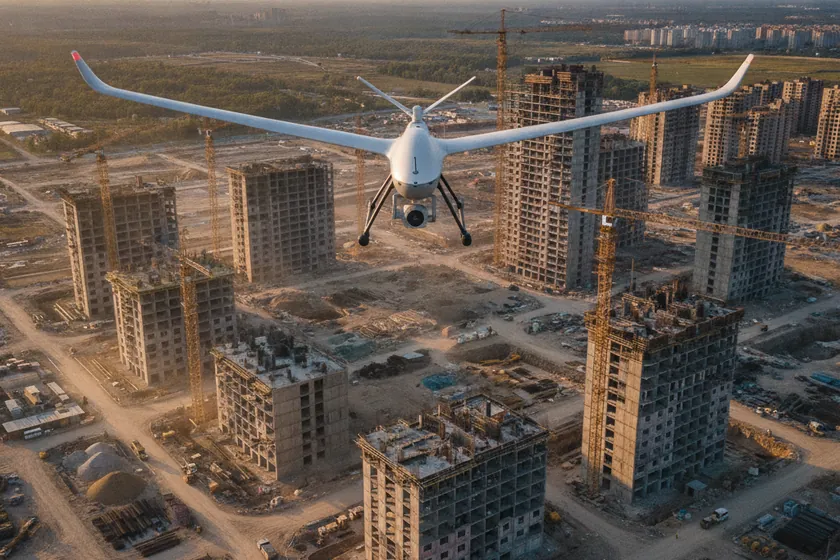
An automated mapping drone hovering above an active construction site at golden hour

Capture

Automated drone flights and live CCTV feeds run on a schedule, with no pilot or operator on the ground

03
A monitor showing pixel-precise segmentation masks highlighting construction elements on aerial imagery

Segment

Computer vision labels every frame across 12 construction classes with pixel-precise masks on every structure and asset

04
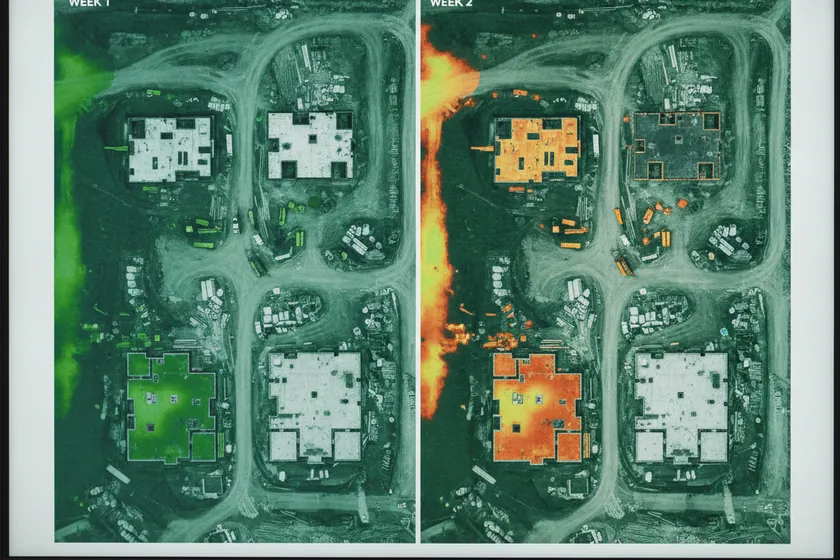
A split screen comparing last week's and this week's drone orthomosaics of the same construction zone

Compare

This week versus last week, floor by floor and surface by surface, with deviations flagged the moment they appear

05
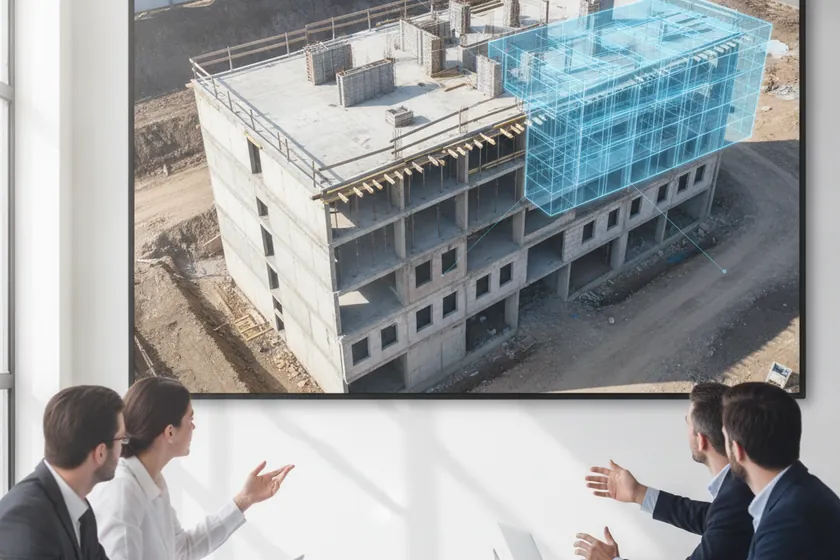
An aerial photo with a translucent BIM model overlay showing geometric drift on a building structure

Quantify

Actual built geometry is overlaid on the design model to surface drift in centimeters and catch schedule slippage early

06
A stakeholder dashboard on a large screen showing weekly progress percentages and KPIs

Report

Stakeholder dashboards, weekly progress summaries and shareable views are generated automatically for every owner and contractor

07
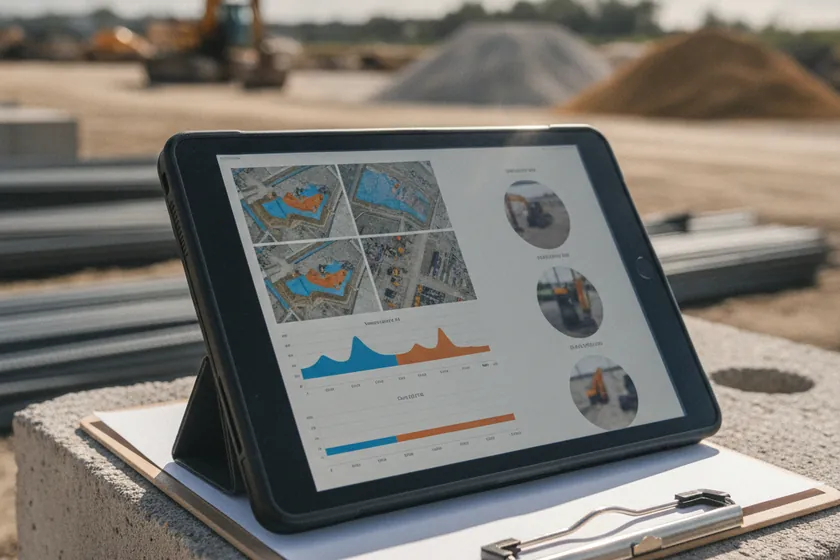
An evidence pack with orthomosaics, volumetric measurements and timestamped detection clips on a tablet

Evidence

Evidence packs of orthomosaics, cut and fill volumes and time-stamped detections export in one click for claims and reviews

08
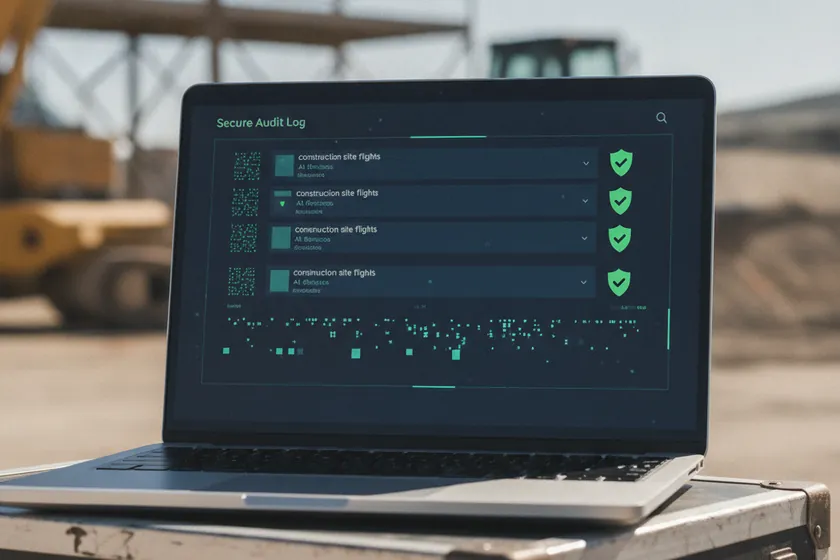
A secure audit log interface showing every flight, frame and detection with cryptographic hashes

Audit

Every flight, frame and detection is written to an immutable record, ready for ISO 9001 and PDPL audits

The Monitoring Platform

Built for the construction project team. One console for progress dashboards per tower and zone, deviation and schedule alerts, stockpile and equipment views, BIM-vs-site comparisons, and exportable evidence packs. Every alert traces back to the drone flight that raised it, the zone it sits in, the moment it happened, and the confidence the AI gave it. Live today at viewkeepersa.com.
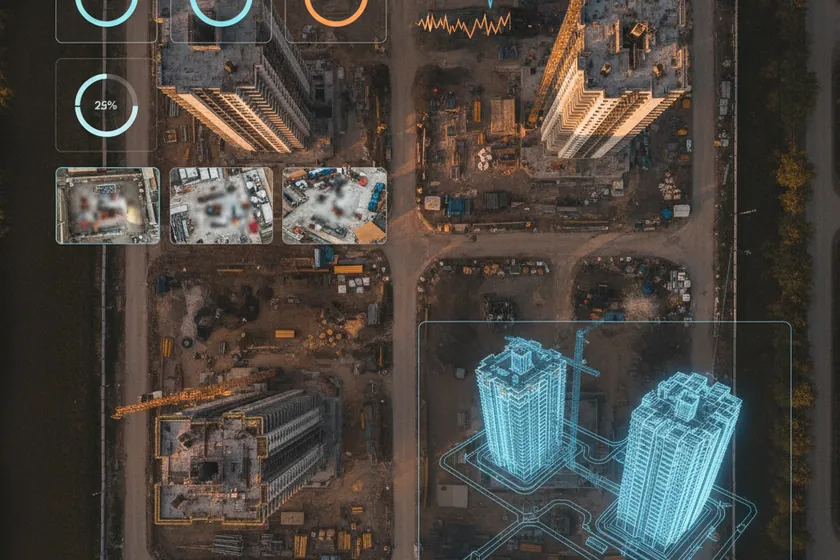
Construction monitoring platform overview: per-tower progress percentage, deviation breakdown, hottest zones and 3D digital twin map ViewKeeper App · Overview
  • Live AI detection: progress %, BIM deviations, schedule slippage, stockpile change, equipment movement
  • Drone flights, fixed cameras and orthomosaics on one live map
  • Per-asset health, battery and link status
  • Reviewer verify, dispatch, and false-positive workflow
  • Stakeholder-ready daily, weekly, and evidence-pack reports
  • Runs in the on-site control room, no foreign cloud

Platform Walkthrough — Page by Page

07 · A

Seven pages, live in our construction monitoring app today. The images below come straight from the running build. These are the same screens your project team will open on day one.

The whole construction site, one screen viewkeepersa.com
01 · Overview

The whole site, one screen

The construction landing page. A live progress percentage per tower, schedule slip indicators, open BIM deviations and critical findings run across the top, next to drones online and mean survey turnaround. Below sits a 24-hour deviation breakdown, the hottest zones ranked, and a 3D digital-twin map of the site.
Progress %Deviation BreakdownHottest Zones3D Twin
Every deviation, triaged viewkeepersa.com
02 · Progress

Every deviation, triaged

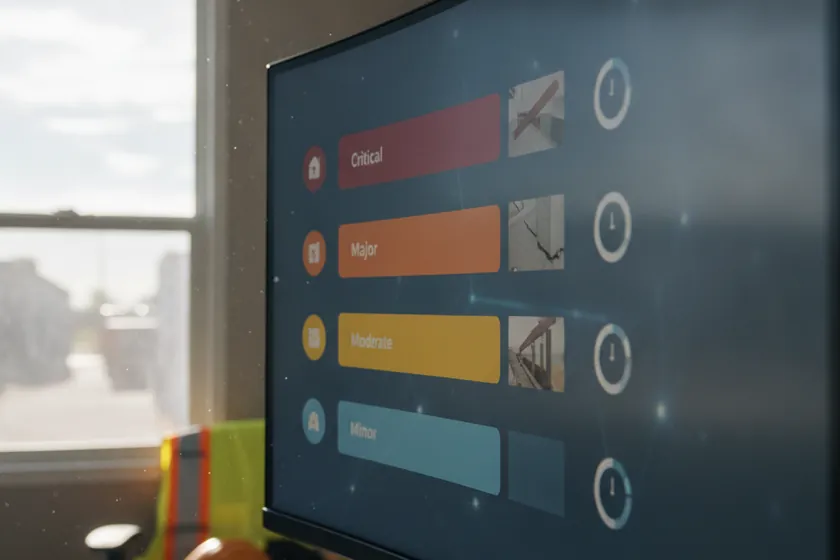
The working queue of progress events. Each one tagged by type, with the flight and zone that caught it, a severity, a confidence score and a status. A reviewer verifies, assigns or closes, and the response clock keeps the team honest.
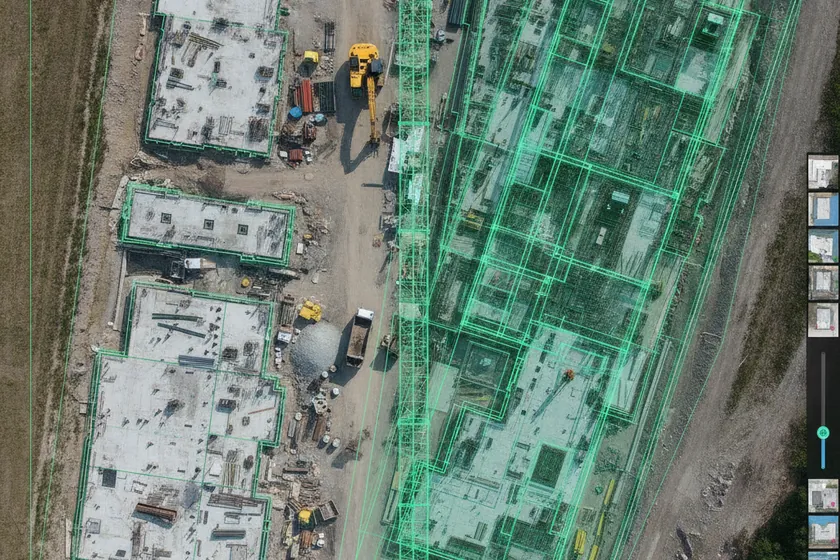
24 Event TypesSeverity RoutingEvidence SnapshotResponse Clock
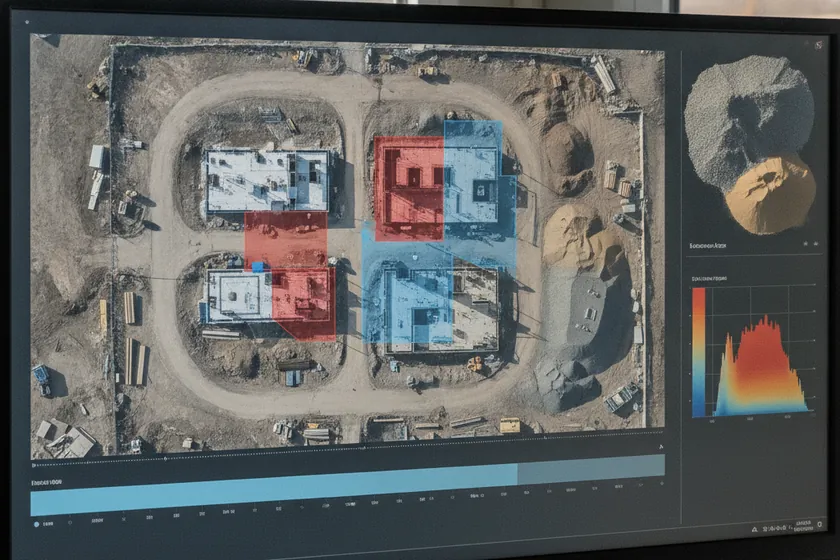
The site twin, at a glance viewkeepersa.com
03 · Maps

The site twin, at a glance

Every orthomosaic, 3D mesh and BIM overlay by site and zone, with live thumbnails, last-flight date and the deviations it raised. A reviewer sees what changed since the last survey before the morning stand-up.
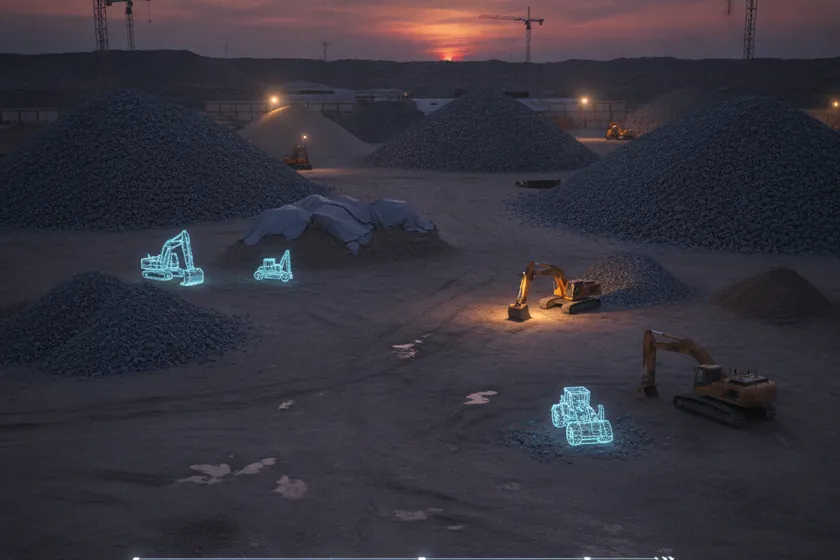
OrthomosaicPer-ZoneBIM OverlayTime Slider
Materials and equipment, watched viewkeepersa.com
04 · Stockpiles

Materials and equipment, watched

Stockpile volumes measured from the air, equipment positions tracked across flights, and material flow logged against the schedule, so the quantities the QS team audits are kept automatically to within ±1–3 cm of survey accuracy.
Volume m³EquipmentMaterial FlowAudit Trail
Site zones, drawn and enforced viewkeepersa.com
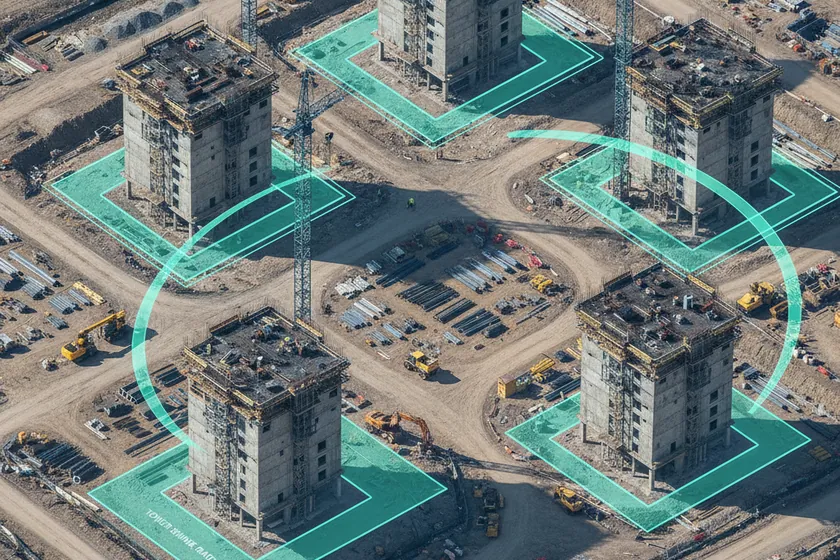
05 · Zones

Site zones, drawn and enforced

Site zones drawn on the plan and the 3D model: tower footprints, lay-down areas, crane radii, restricted access. Each zone carries its own progress rules, and any deviation shows up in Events with the zone attached.
Zone Rules3D ModelCrane RadiiDeviation Link
Ready for the client viewkeepersa.com
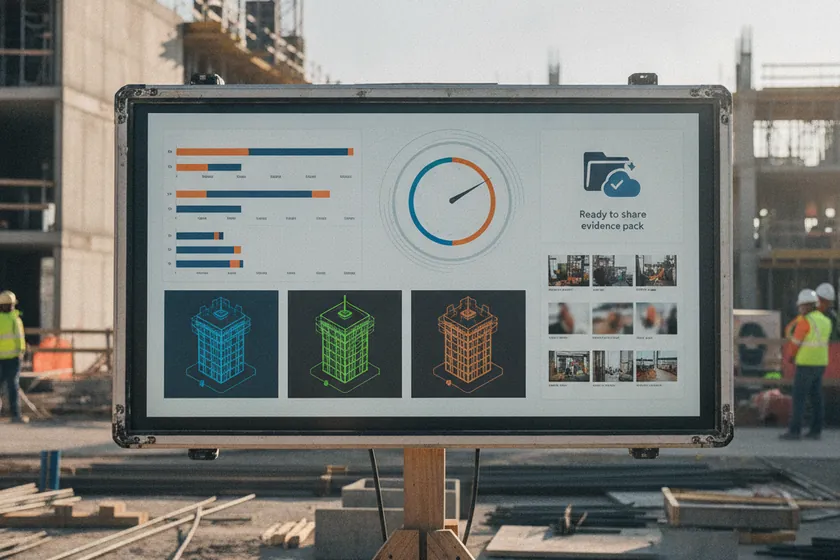
06 · Reports

Ready for the client

Weekly progress summaries, per-tower BIM exports and evidence packs are generated automatically and shared with stakeholders in one click. Side-by-side overlays, before/after cuts and signed PDFs land straight in the client's inbox.
Weekly SummaryBIM ExportEvidence PackStakeholder Share
Point the AI at any flight viewkeepersa.com
07 · Inspect

Point the AI at any flight

A live AI scan page: drop in a drone flight or pick a stored capture, and the engine outlines progress, BIM deviations and stockpile change on the spot. The fastest way to see the detection quality on your own site.

Live ScanAny FlightInstant MasksYour Site